

Free WordPress plugin · Open source
MiMe Simple Events and Calendar
Events on your website, without duplicate work. Manage one-off and recurring events in one place in WordPress. Display them in a calendar, list or grid that matches your brand.
Quick to set up, flexible in design and without unnecessary frills.
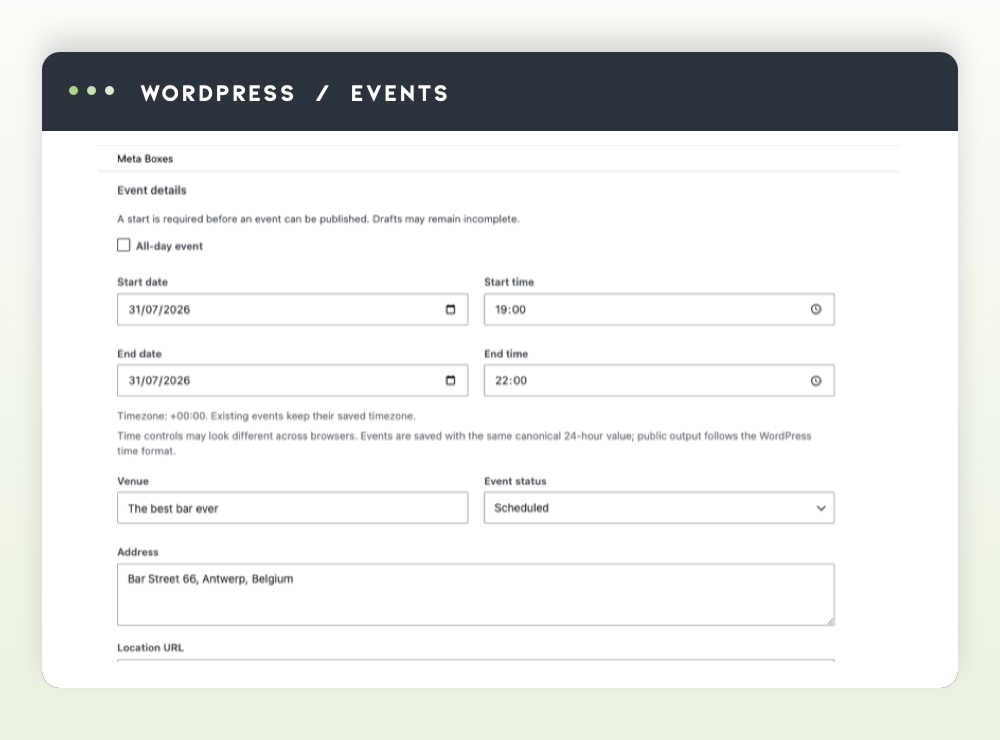
From manager to visitor
One calendar. No duplicate work.
Events belong on your own website, not spread across separate pages and external calendars.
With MiMe Simple Events and Calendar, you create an activity once. Capture the date, location, and information. Show the event in multiple views and manage all changes from the same place.
A calendar that works for your organisation.
From individual events to a full programme of activities. Choose the features you need.
Managing events
Start and end dates, location, categories, tags, and external links. Also note whether an event is scheduled, postponed, or canceled.
Recurring activities
Plan daily, weekly, monthly, or annual activities. Only change one date without changing the entire series.
Your own view
Display your offerings in a responsive monthly calendar, list, or grid. Visitors can filter by categories and tags.
Add to calendar
Allow visitors to add an event as an ICS file to their own calendar, with optional links to Google Calendar and Outlook.
From event to registration
Make the next step clear for each event via an external link to, for example, your registration form, ticket platform, or additional information.
Fits your website, not the other way around.
By default, the plugin takes over the typography and colors of your theme. You choose how you present the events, even if you are using a page builder.
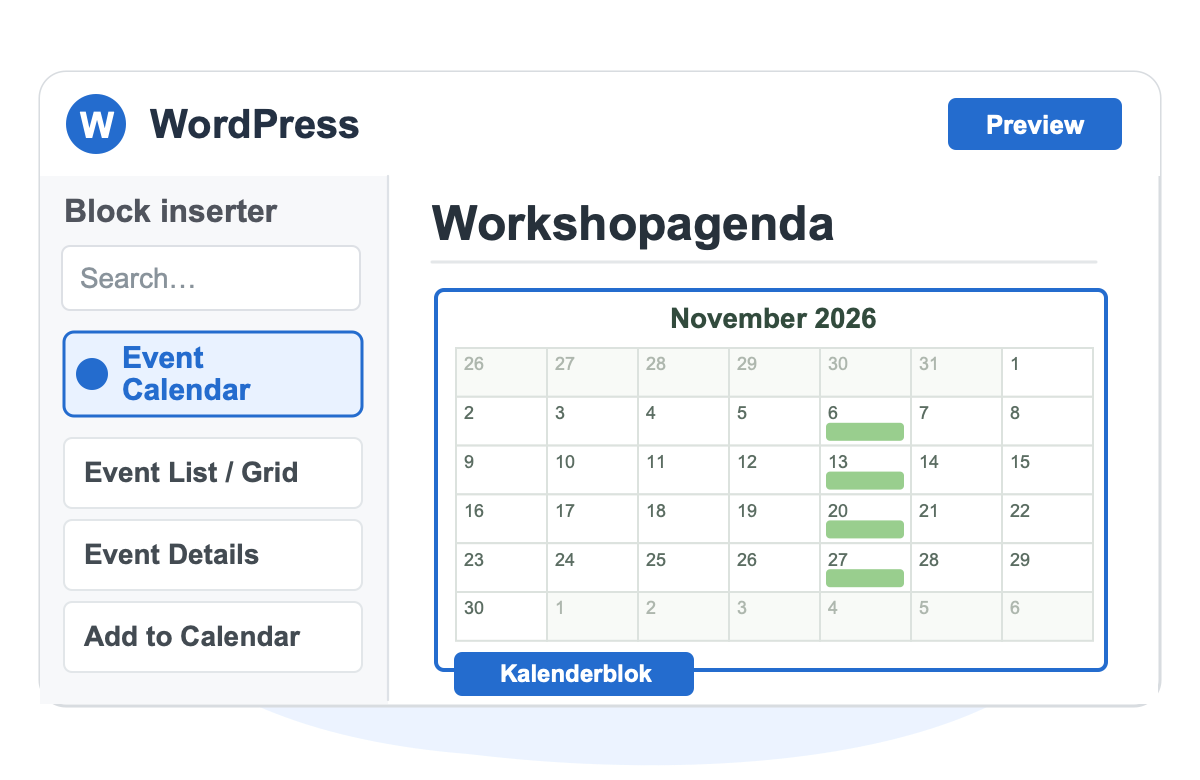
Gutenberg
Native blocks for the calendar, event list, details, and individual event fields.
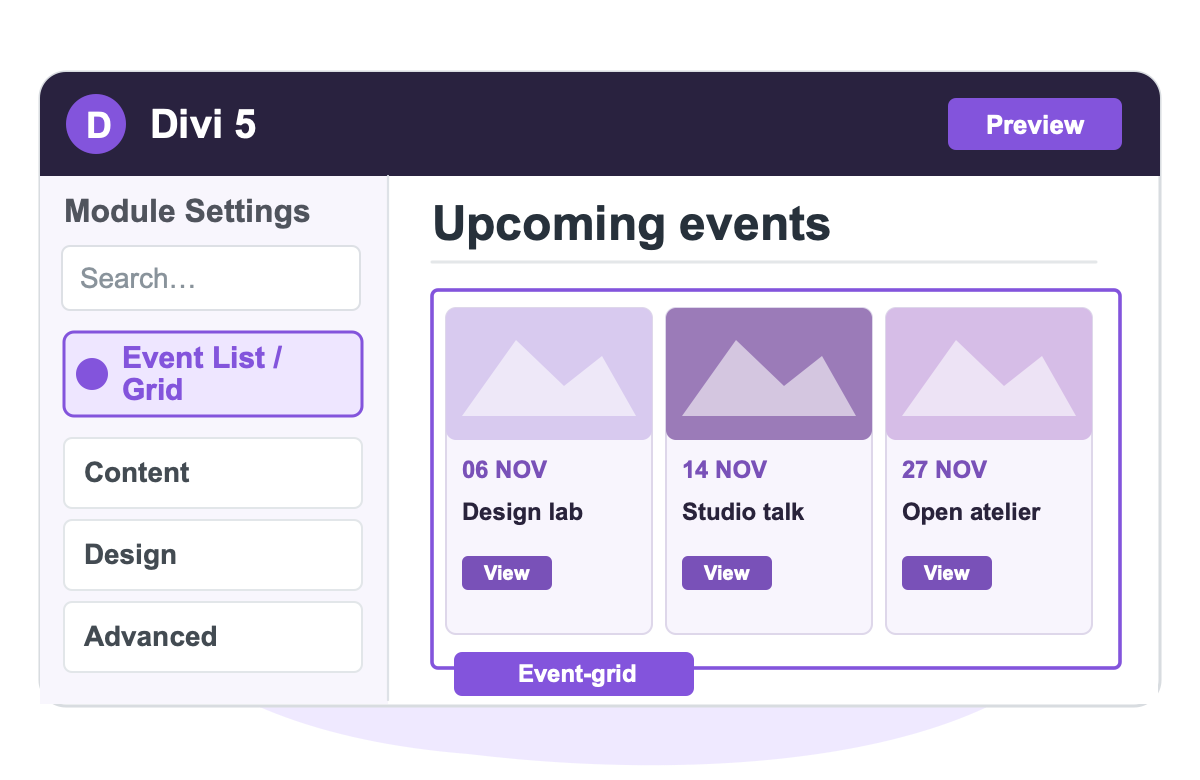
Divi 5
Place events in regular pages or use the native modules in your Theme Builder templates.
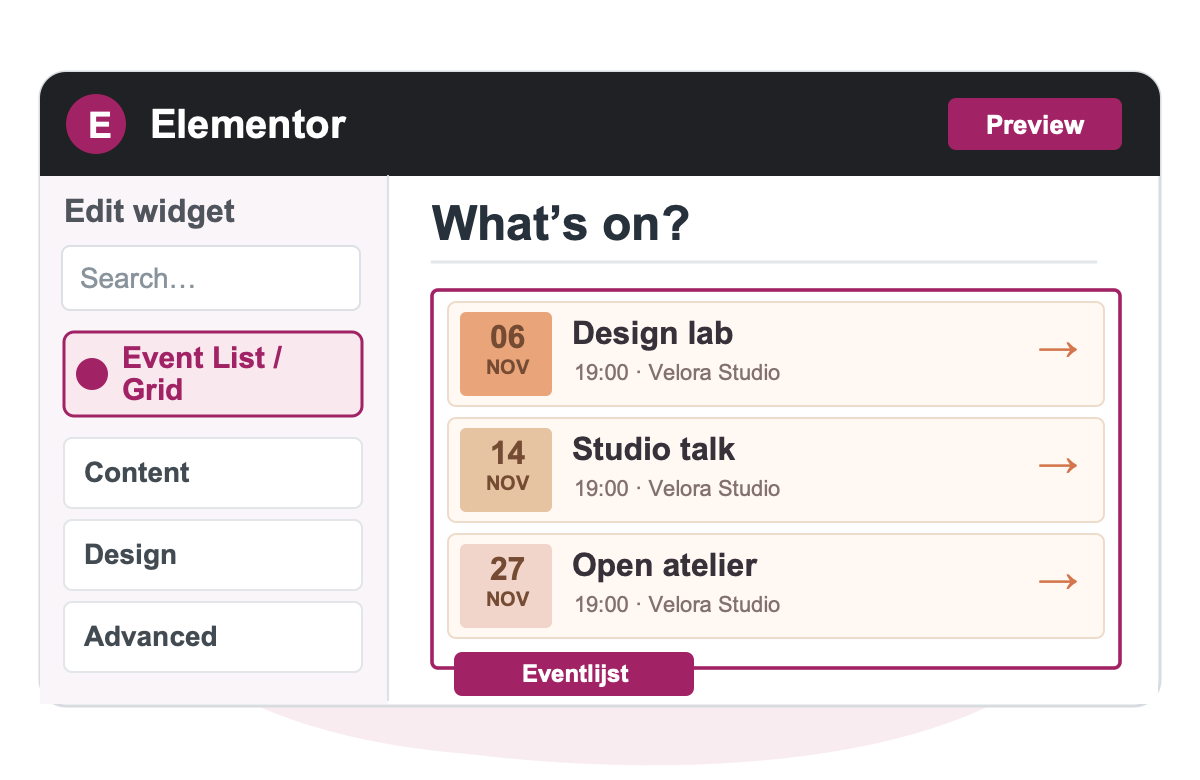
Elementor
Flexible widgets for calendar, event list, details, and dynamic event information. Also compatible with Elementor Free.
No page builder needed. You can also simply use the built-in event pages, the archive or the shortcodes.
Well built
Focus on what your calendar needs.
An events module doesn’t have to be heavyweight. I built the plugin with efficiency, manageability and accessibility in mind.
You retain control over your own website and your data. The plugin uses your WordPress database and does not load any external scripts or visitor tracking. The code is open source and the plugin provides structured data for appropriate event pages.
In practice
I use the plugin primarily for the activity calendars of Café Comic Sans, Taranartos, Judoclub Zelem and Shimmers by Belle.
Four different organisations, each with its own brand and offering. The central idea remains the same: a clear calendar that fits the website.
Get started within a few steps.
The plugin is available for free in the official WordPress plugin library.
01. Install the plugin
Search for MiMe Simple Events and Calendar in WordPress, install and activate the plugin.
02. Create your first event
Create an event in your WordPress dashboard and add the correct date and information.
03. Display your calendar
Choose the calendar, event list or grid and place it on your website using your favorite editor.
Good to know.
Is the plugin free?
Yes. MiMe Simple Events and Calendar is open source and free to install via WordPress.org. For custom integration, you can contact me separately.
Can I also sell tickets?
The plugin is focused on publishing and managing events. For sales or registrations, you can add a link to a separate system.
Does the plugin work on my website?
You need WordPress 6.9 or higher and PHP 8.2 or higher. Divi 5 and Elementor are optional; the plugin also offers custom pages, blocks, and shortcodes.
Where can I ask a question?
For questions about the plugin, feedback or a problem, you can contact us at Support forum on WordPress.org.
MiMe · Websites & custom-made solutions
Need a calendar that does even more?
Do you have a specific functionality, do you want to integrate the plugin into your existing website, or do you need an extension that goes beyond the standard functionalities? Then we will look together at which solution suits your organization.
Discover also my offer for websites & WordPress customization.
Any questions?
Don’t hesitate to get in touch!
Happy to help by email or on social media.